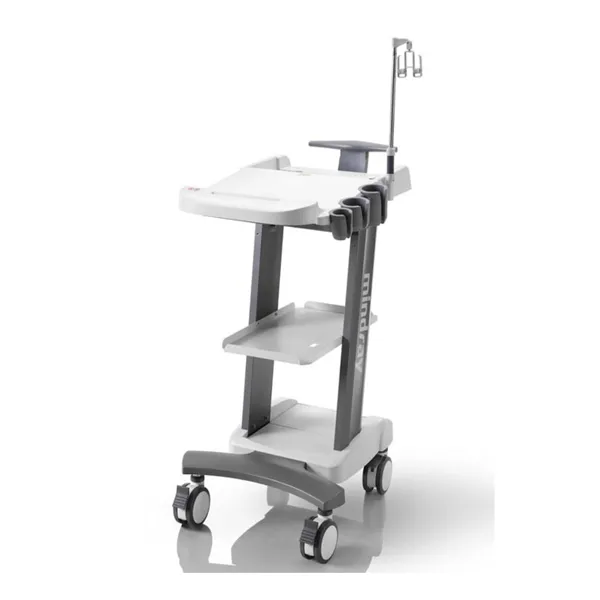
 LM-IMA-007
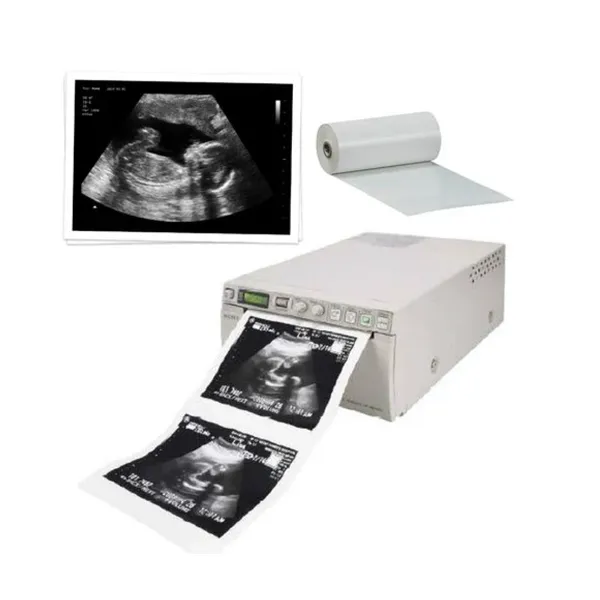
A compact thermal printer for printing ultrasound images.
At a glance
Photos are for illustration.
A compact thermal printer for printing ultrasound images. It sits beside the ultrasound machine, prints images on a roll of thermal paper and feeds them out of a front slot, so a patient can leave with a copy of the scan. Front buttons and two adjustment knobs keep it simple to use, and the roll loads under a lift-up top cover.
| Type | Compact thermal printer for ultrasound images |
|---|---|
| Printing method | Thermal printing on roll paper |
| Media | Paper roll loaded under a lift-up top cover |
| Output | Printed images fed out of a front slot |
| Controls | Front control buttons and two adjustment knobs |
| Display | Small status display on the front panel |
| Body | Compact desktop unit, light-coloured casing |
| Available on request | Print size, Print quality, Paper type and roll size and 3 more |
Confirmed specifications only; pending items are marked.
A small thermal printer is the quickest way to hand a patient a picture from their scan. The paper is the running cost, so buy a few rolls with the printer. Make sure it connects to your ultrasound model before you order; ask us if you're unsure.
Use the paper type recommended for the printer, and keep the print head clean with a soft cloth. Store spare rolls somewhere cool and dry.
LM-IMA-007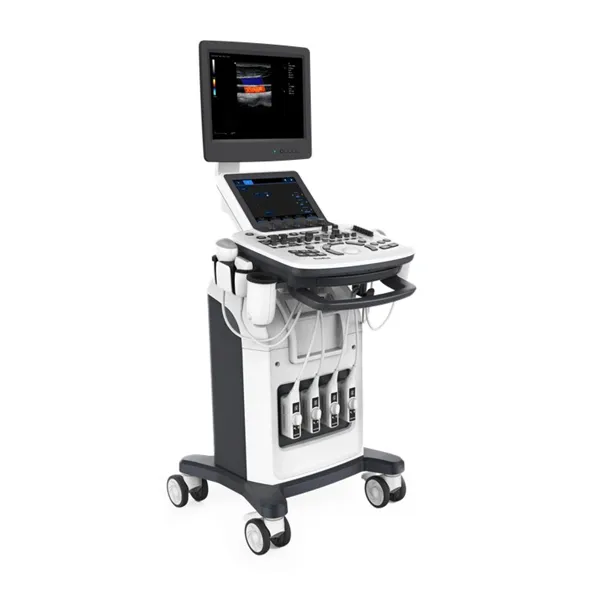
 LM-IMA-008
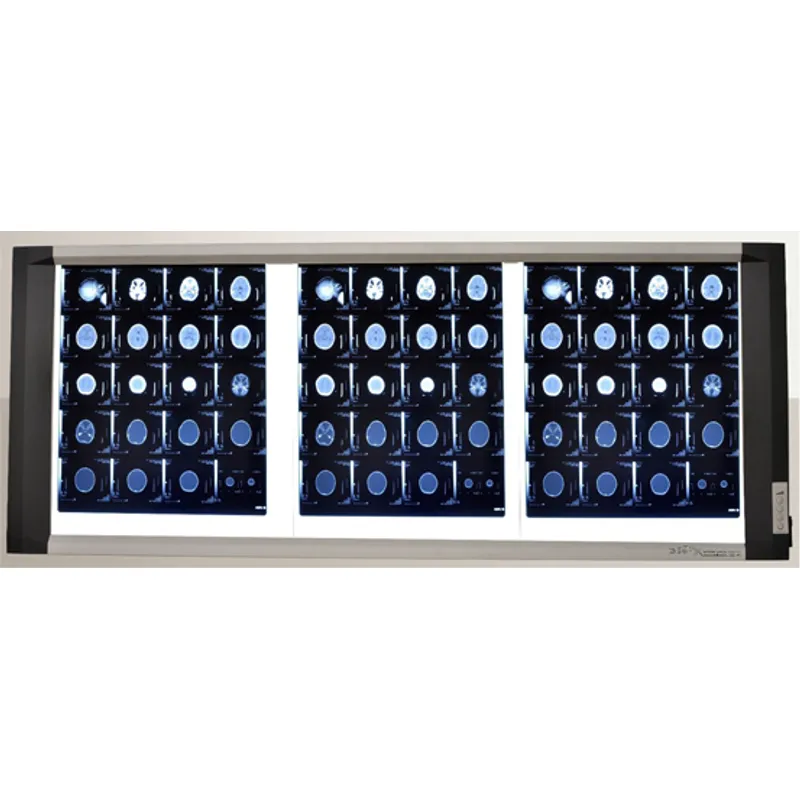 LM-IMA-009